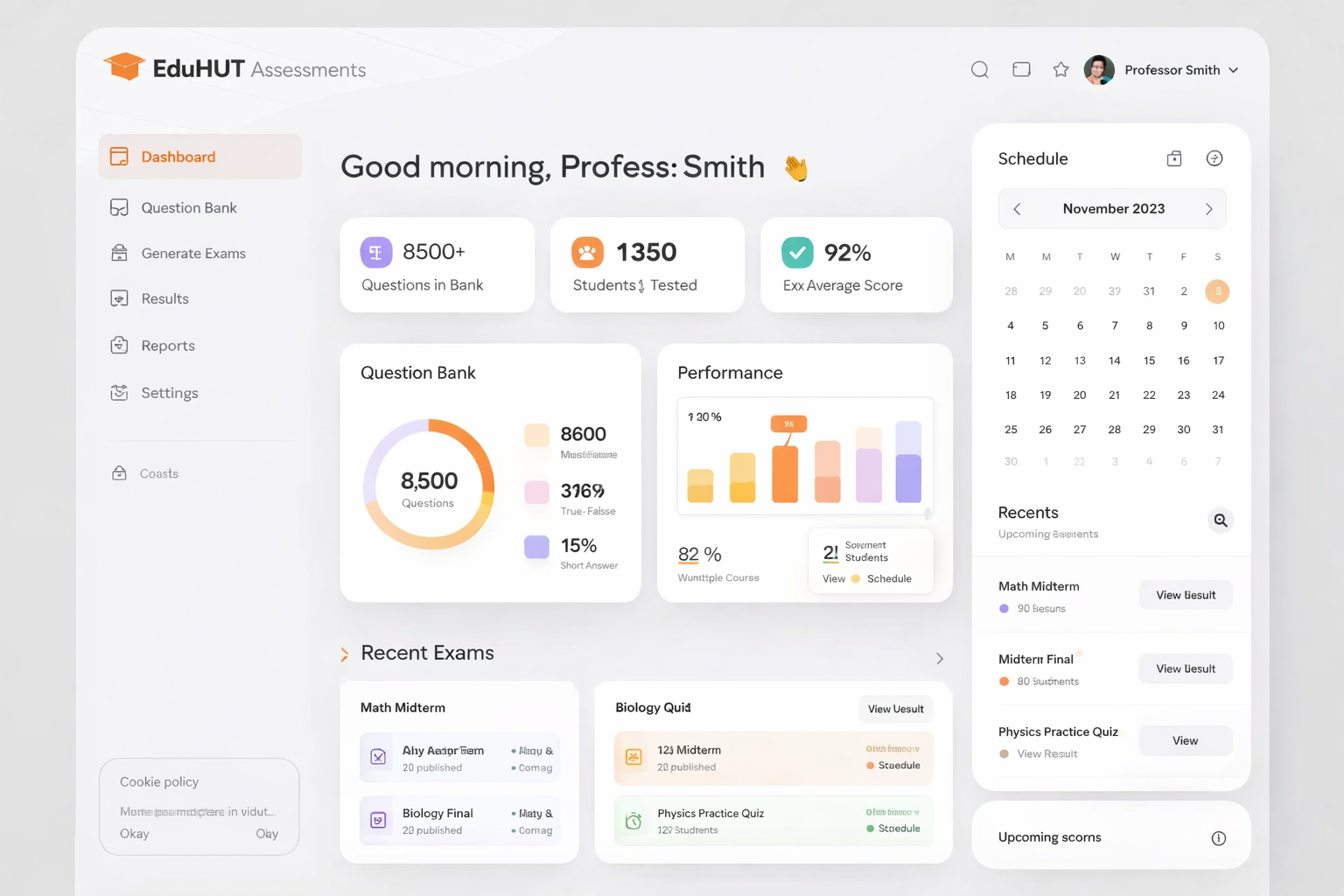

THE BEST INTERFACE IS THE ONE
YOUR USERS NEVER HAVE TO THINK ABOUT.
Every hour a user spends confused by your interface is an hour they spend doubting whether your product was the right choice. Friction in software doesn't just slow people down — it erodes trust, suppresses adoption, and increases support costs. Great UI/UX design removes that friction at its source, replacing complexity with clarity and hesitation with confidence.
Design in enterprise software has a reputation problem. It's frequently treated as a cosmetic layer applied after engineering decisions have already been made — which is how you get capable systems that no one wants to use.
The most successful digital products treat design as the first engineering decision, not the last. The user experience architecture determines what's possible at the interface level. The visual design determines whether users trust what they're looking at. The information architecture determines how quickly users find what they need. And the interaction design determines whether the system feels like it was built for them — or built in spite of them.
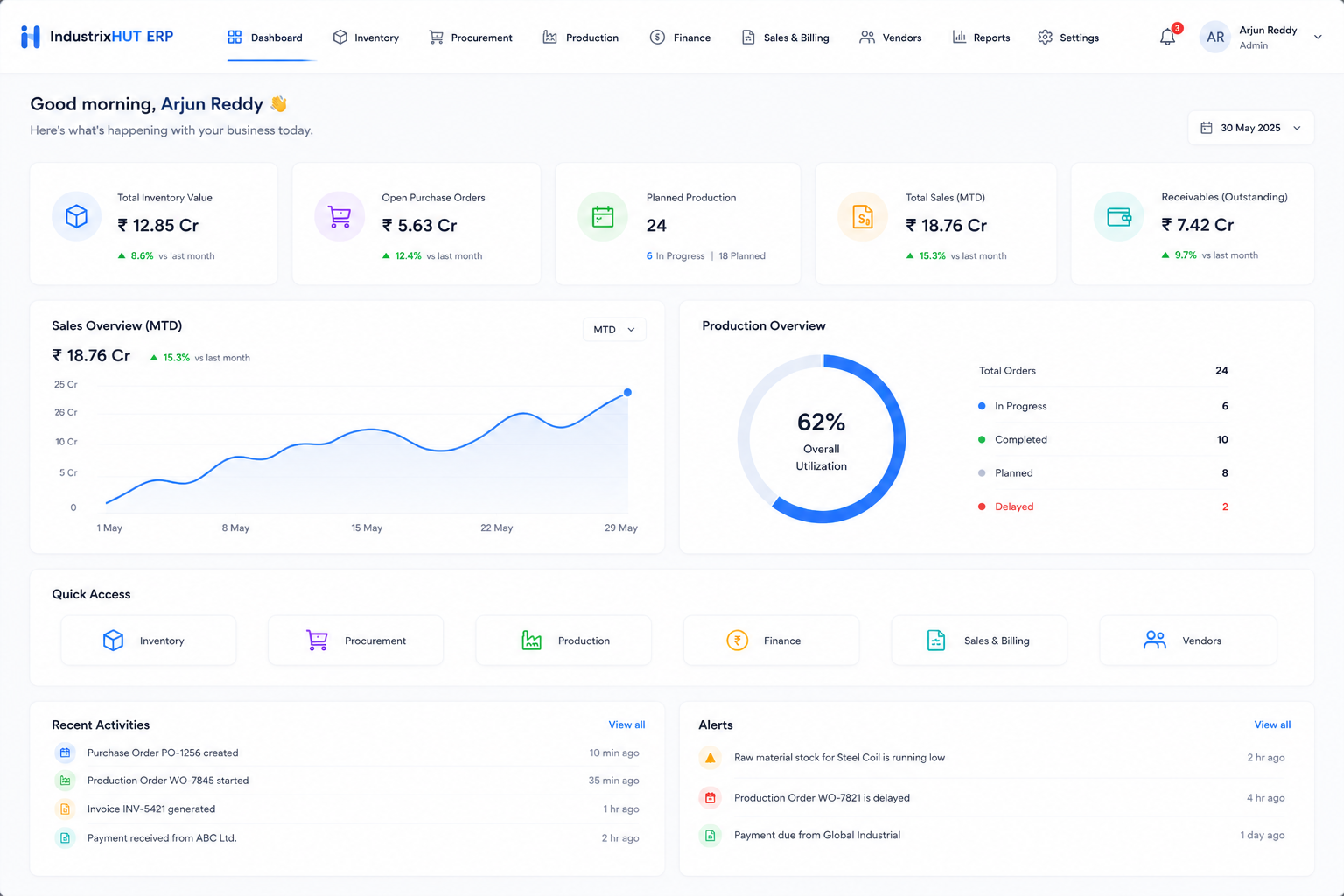
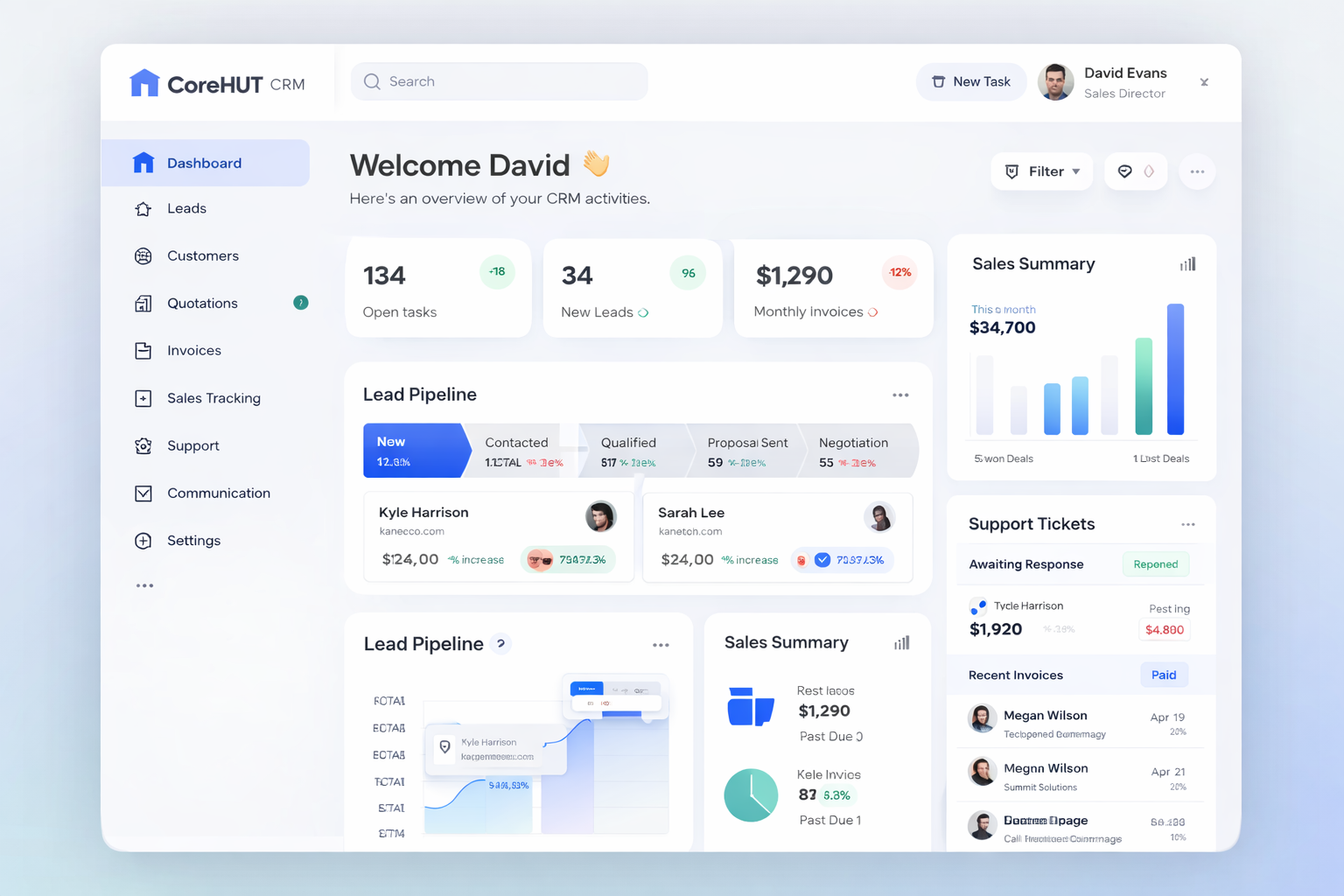
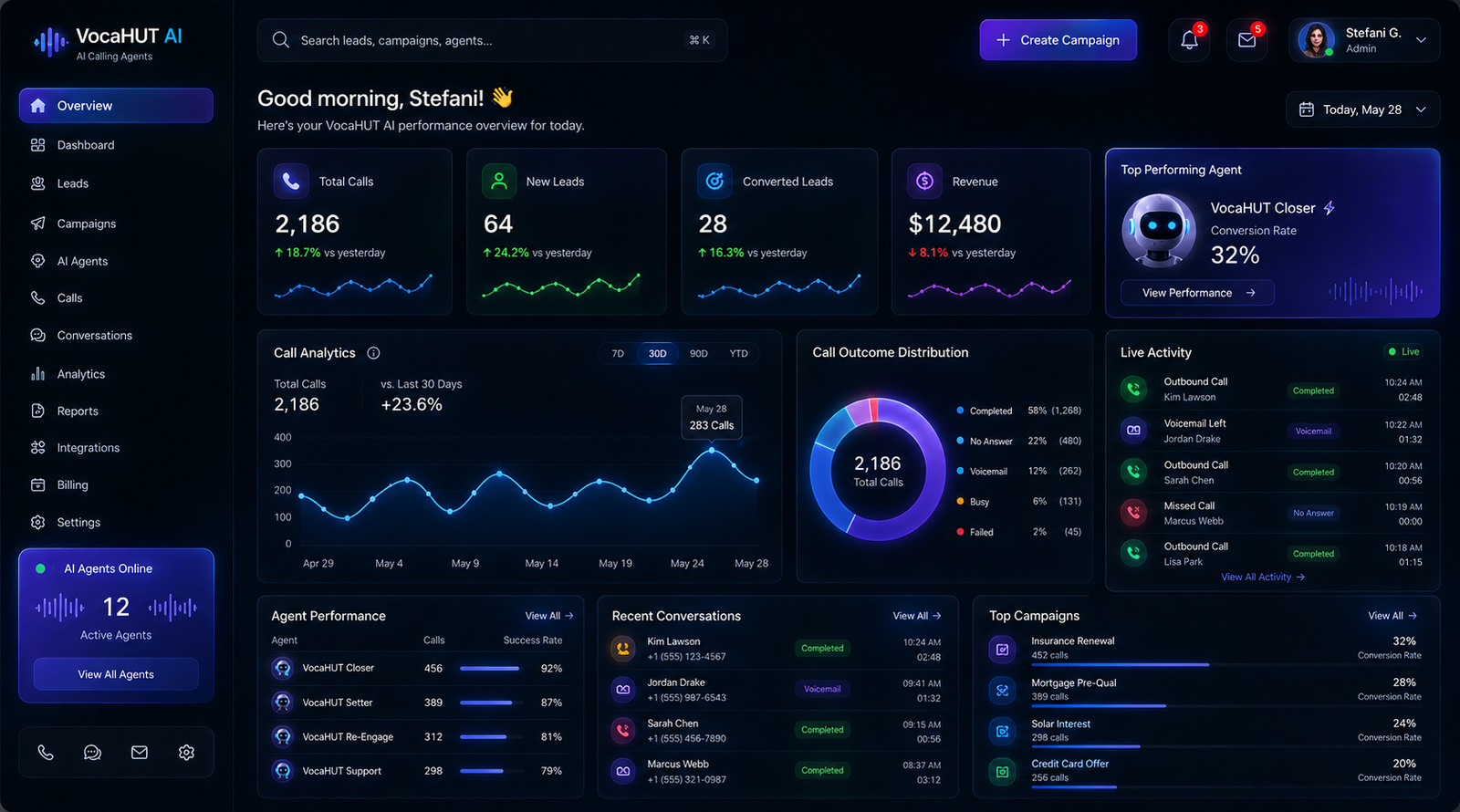
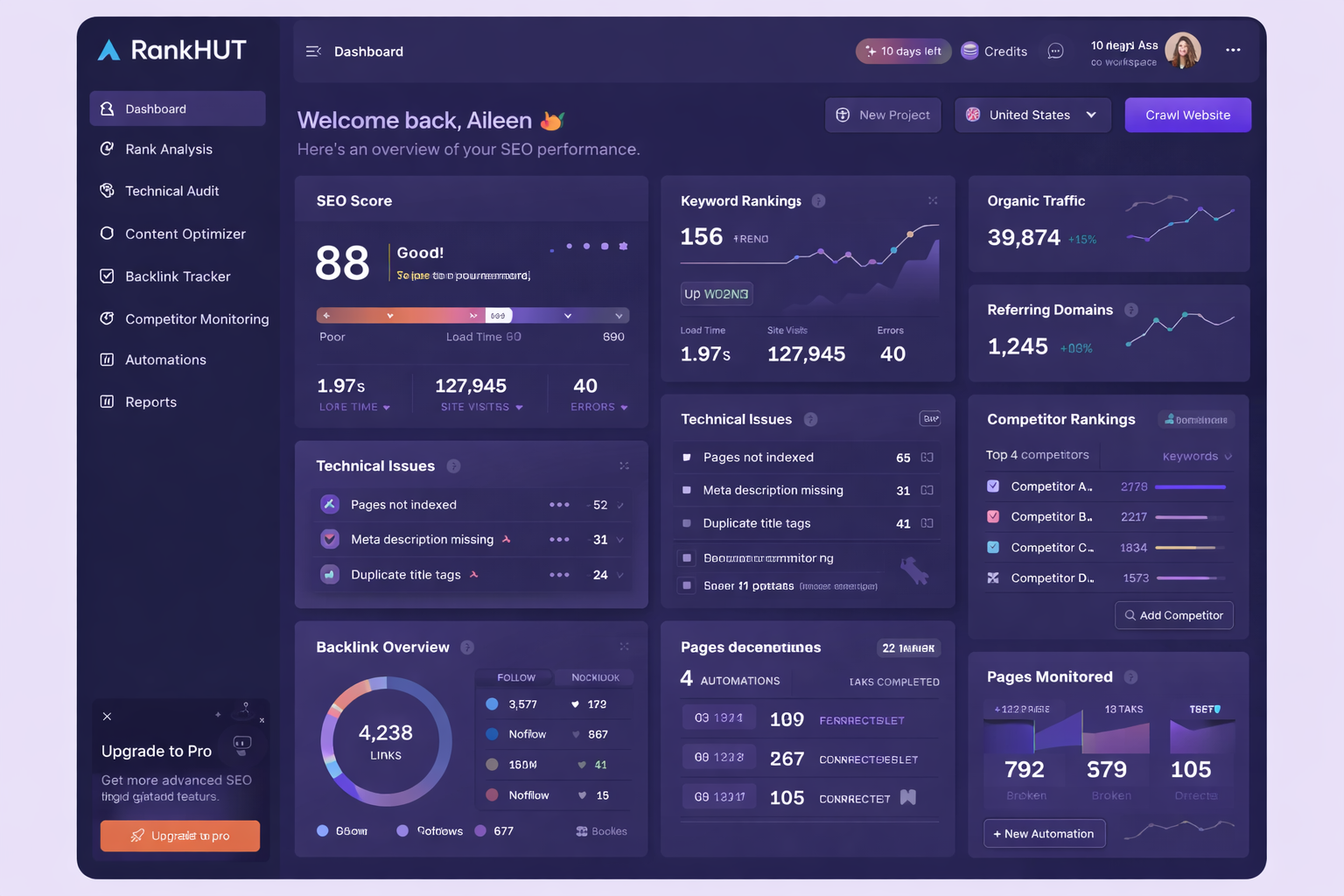
At IT WEBHUT, we design interfaces for products and systems that range from consumer-facing mobile apps to complex enterprise dashboards with hundreds of data points and dozens of user roles. The design approach differs significantly between these contexts — but the principle doesn't: every element in the interface should be there for a reason, and every reason should be the user.
We design before we build. Every UI/UX engagement produces a fully navigable prototype — tested with real users or internal stakeholders — before any development begins. This isn't a process preference; it's a cost control measure. Design changes in Figma are cheap. Design changes in production code are not.
Key Business Benefits
- Higher Product Adoption Without Training OverheadWhen users understand what to do without being told, adoption climbs without requiring extensive onboarding. Intuitive interfaces reduce the cost and friction of getting people productive.
- Fewer Support Requests and Help Desk CostsMost support tickets are a design problem disguised as a user problem. Clearer interfaces, better error messaging, and more logical workflows reduce the volume of "how do I..." questions before they reach your support team.
- Brand Credibility Through Interface QualityIn B2B software, your interface is a proxy for the quality of everything else you do. An enterprise buyer evaluating your product forms an opinion based on what they see — and a polished, coherent interface communicates engineering rigor before a conversation happens.
- Faster User Task CompletionEvery second removed from a common user task multiplied by the number of times it's performed per day by hundreds of users is a measurable efficiency gain. Good UX design is operational efficiency at scale.
- Reduced Development ReworkWhen the design is fully specified and validated before development begins, engineers build the right thing the first time. The cost of mid-development design changes — in time and morale — is eliminated.
- Accessible Interfaces That Serve Every UserAccessibility-compliant design broadens your addressable user base, reduces legal risk, and is increasingly a procurement requirement for enterprise and government buyers.
- Design Systems That Accelerate Future DevelopmentA well-constructed design system means every future feature starts from a consistent visual and interaction foundation — compressing design time, maintaining consistency, and reducing the cost of scaling the product.
Why Businesses Choose IT WEBHUT
- We Design for Real Users in Real WorkflowsWe don't design impressive-looking interfaces that fall apart under the complexity of actual use. We design for the edge cases, the power users, the distracted users, and the users who don't read instructions.
- Design and Engineering Under One RoofOur design and engineering teams work in the same process. Designers understand technical constraints. Engineers understand design intent. The result is a product that looks like the designs — not an approximation of them.
- We've Designed Our Own ProductsThe interfaces inside HR Workify, Nexora CRM, Industrix ERP, and Docvoult were designed by our team for real users with real operational demands. We know what enterprise software UX needs to handle at production scale.
- We Validate Before We CommitEvery design goes through a prototype-and-test cycle before it becomes a development specification. We find and fix usability problems at the stage where they're cheap to fix — not after they're shipped.
Industries That Benefit
| Industry | Primary Use Cases |
|---|---|
| Enterprise Software | Complex dashboard design, multi-role interfaces, data-heavy application UX |
| SaaS Products | Onboarding flow design, feature discovery, activation UX, subscription upgrade flows |
| E-Commerce & Retail | Storefront UX, checkout optimization, product discovery, loyalty program interfaces |
| Healthcare | Patient portal design, clinical workflow UX, accessibility-compliant healthcare interfaces |
| Financial Services | Trading interface design, client portal UX, compliance-friendly information architecture |
| Government & Public Sector | Citizen service interface design, accessibility compliance, multi-language UI systems |
| Education & EdTech | Learning experience design, student portal UX, instructor dashboard interfaces |
| Manufacturing & Operations | Operational dashboard design, mobile field app UX, shop floor interface systems |
When Do You Need This Service?
- Users abandon your product during onboarding or key workflows, and support tickets confirm confusion, not bugs.
- Your interface has grown feature-by-feature over years and no longer has a coherent visual or interaction system.
- You're launching a new product and first impressions will determine adoption before functionality gets a chance to.
- Internal tools are technically functional but slow employees down because the interface wasn't designed around their workflow.
- A rebrand or platform migration requires a redesigned experience, not just a visual refresh.
YOUR USERS DECIDE IF YOUR PRODUCT IS WORTH USING WITHIN THE FIRST MINUTE.
Show us what you're building or what needs to be redesigned. We'll identify exactly where the experience is losing users — and redesign it to win them back.
We prototype before we build. You see and test the experience before development begins.
What We Deliver
- UX Research & User Journey Mapping — Documented understanding of your users' goals, mental models, pain points, and the key journeys that need to be designed for — before any interface is drawn.
- Information Architecture — The organizational structure of your product — how content, features, and workflows are grouped and navigated — designed for clarity at every level of complexity.
- Wireframes & Low-Fidelity Flows — Structural blueprints of every screen and interaction — defining layout, hierarchy, and flow without the distraction of visual design.
- High-Fidelity UI Design — Pixel-precise interface design for every screen — colors, typography, components, states, and interactions — production-ready for developer handoff.
- Interactive Prototype — A fully navigable, clickable prototype that allows stakeholders and users to experience the interface before development begins — the most cost-effective feedback tool available.
- User Testing & Iteration — Structured usability testing with real users — identifying where the design creates confusion before that confusion becomes a live product problem.
- Design System & Component Library — A comprehensive set of reusable UI components, tokens, and guidelines that ensure consistency across the product and accelerate future development.
- Developer Handoff & Specification — Clean, annotated design files with spacing specifications, interaction behavior documentation, and asset exports — so engineering time isn't spent interpreting design intent.
- Responsive & Mobile-Adaptive Design — Interface designs that work across desktop, tablet, and mobile — with specific attention to the interaction patterns that differ across screen sizes and input methods.
- Accessibility Audit & Compliance — WCAG 2.1 compliance review and remediation — ensuring your interface is usable by people with visual, motor, cognitive, and auditory differences.
Our Delivery Process
We study your users — their roles, their workflows, their frustrations with the current system, and their definition of "easy." For enterprise products, this includes stakeholder interviews and workflow observation. The research output informs every subsequent design decision.
We map the structure of the product — navigation hierarchies, screen relationships, and user flows through critical journeys. This defines what goes where and how users move through the system before we design a single screen.
We produce low-fidelity wireframes for every key screen and present them for stakeholder review. Structural feedback is incorporated before we invest in high-fidelity design — keeping iteration fast and inexpensive.
We apply your visual identity — or define one, if this is a new product — to the structural wireframes, producing high-fidelity interface designs that communicate quality, clarity, and brand consistency simultaneously.
We build an interactive prototype and test it with real users or internal stakeholders. Usability issues discovered here cost almost nothing to fix. The same issues discovered post-development cost significantly more.
We deliver fully annotated design files, a component library, and interaction specifications — and remain available during development to answer design interpretation questions and review implementations.
Enterprise FAQs
Validation with stakeholders or real users is part of the process for any application with meaningful user-facing complexity — decisions aren't assumed to be correct without testing.
Yes — most engagements are redesigns of live products, sequenced to minimize disruption to existing users during rollout.
Design systems, component libraries, and developer-ready specifications, structured for direct implementation rather than requiring translation work from your engineering team.
Success is measured against defined metrics — task completion time, conversion, support ticket volume — agreed before the redesign begins, not judged subjectively after launch.
Yes — WCAG accessibility standards are a default design input for enterprise and public-sector work, not an optional add-on.
Yes — design and engineering sit under one accountable team, which removes the handoff gap that causes most designs to be poorly implemented.